Question: Where can I view recordings and playback footage?
Answer:
Model reference: LSH-4GDLN-776
Applies to: LSH-4GDLN-776
You can view recordings in three ways:
- Tap notifications on your phone to view events instantly.
- Open the app and go to Message Centre > Alarm.
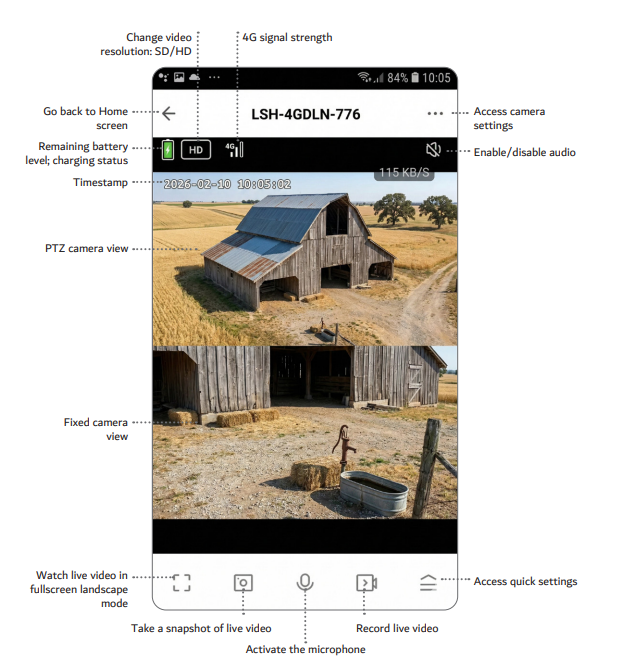
- Use the live view and tap Playback to select recordings.
Recordings are stored on the micro SD card and overwrite automatically when full.
The Laser Smart Home Dual Lens 4G Outdoor camera with solar panel allows easy access to footage through the app.
Was this article helpful?
That’s Great!
Thank you for your feedback
Sorry! We couldn't be helpful
Thank you for your feedback
Feedback sent
We appreciate your effort and will try to fix the article