Description: Instructions for pairing the switch with the Connect SmartHome app.
Question: How do I connect my smart wall switch to the Connect SmartHome app?
Answer:
Model reference: CSH-SWITCH123
Applies to: CSH-SWITCH123
If your SKU differs, search our support page by your Model SKU to find the correct article.
To connect your Smart Wall Switch:
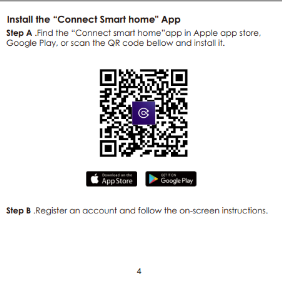
1. Download the Connect SmartHome app from the Apple App Store or Google Play.
2. Open the app and register an account.
3. Connect your phone to your 2.4 GHz home Wi-Fi network.
4. Confirm that the switch's indicator light is blinking rapidly.
5. Tap the + button in the app.
6. Select Wall Switch.
7. Enter your Wi-Fi password.
8. Wait for the connection process to finish.
9. Give the switch a name and tap Done.
Once connected, the switch will appear on the app's home page.
Was this article helpful?
That’s Great!
Thank you for your feedback
Sorry! We couldn't be helpful
Thank you for your feedback
Feedback sent
We appreciate your effort and will try to fix the article