Question: Where do I connect the USB receiver?
Answer:
Model reference: ACFYB-B0G (AAA)
Applies to: ACFYB-B0G
If your SKU differs, search our support page by your Model SKU to find the correct article.
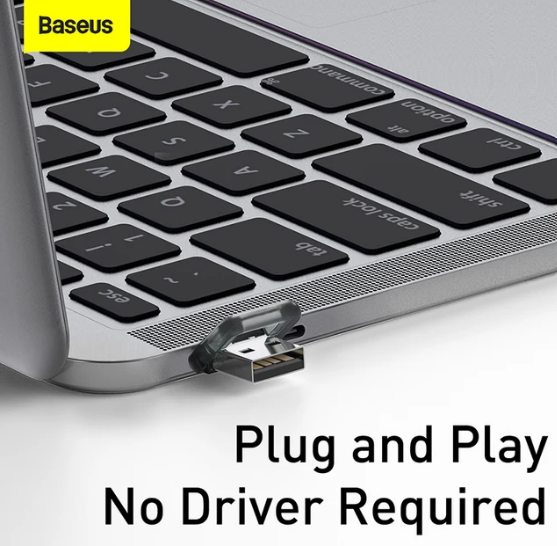
Connect the USB receiver to the computer running your presentation. The Orange Dot Wireless Presenter Red Laser Grey communicates with that receiver using a 2.4 GHz wireless RF connection to control your slides.
Was this article helpful?
That’s Great!
Thank you for your feedback
Sorry! We couldn't be helpful
Thank you for your feedback
Feedback sent
We appreciate your effort and will try to fix the article