Question: How do I pair the lock with the LNDU app?
Answer:
Model reference: LSH-HK01-196
Applies to: LSH-HK01-196
If your SKU differs, search our support page by your Model SKU to find the correct article.
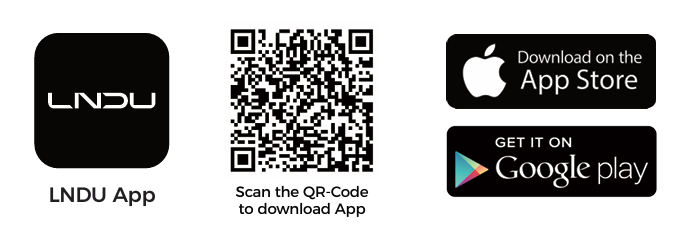
1. Download the LNDU app using the QR code in the user manual for the Laser Smart Deadbolt Lock with Apple Home.
2. Briefly press the SET button on the inside assembly. Wait for the voice prompt confirming the lock is ready to pair.
3. Open the LNDU app and follow the prompts to add your lock.
Use the LNDU app to access the lock’s full range of settings. A short press starts pairing. Holding the SET button starts the factory reset process.
Was this article helpful?
That’s Great!
Thank you for your feedback
Sorry! We couldn't be helpful
Thank you for your feedback
Feedback sent
We appreciate your effort and will try to fix the article