Description:
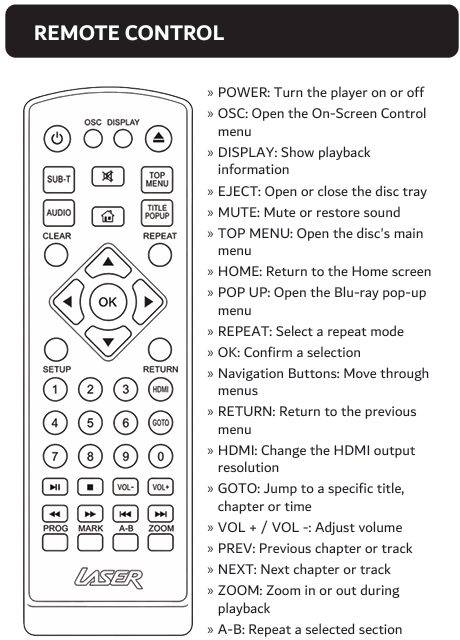
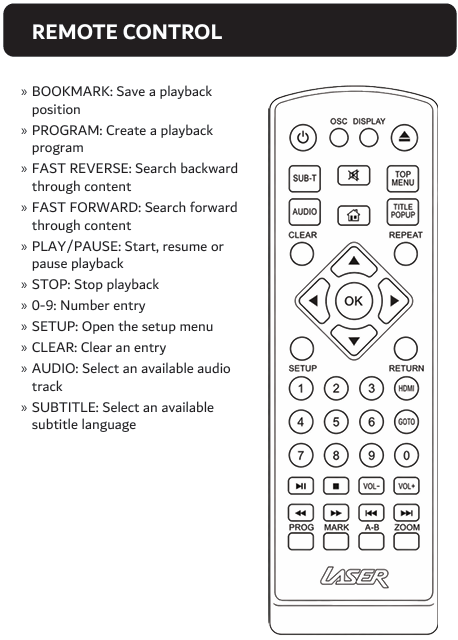
Check batteries, line of sight and remote control position.
Question:
Why is my remote control not responding?
Answer:
Model reference: BLU-BD4K-384
Applies to: BLU-BD4K-384
If your SKU differs, search our support page by your Model SKU to find the correct article.
For the Laser 4K UHD Blu-ray Player with Multi-Region Playback, try the following:
1. Replace both AAA batteries in the remote control.
2. Remove any obstacles between the remote and the player.
3. Point the remote at the sensor on the front panel of the player.
Was this article helpful?
That’s Great!
Thank you for your feedback
Sorry! We couldn't be helpful
Thank you for your feedback
Feedback sent
We appreciate your effort and will try to fix the article