Question: How do I insert and play a disc?
Answer:
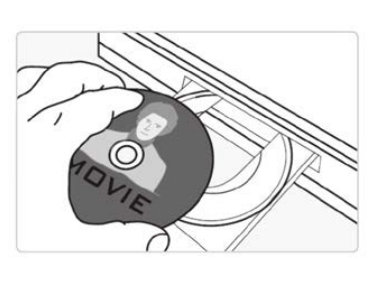
Press the Eject button to open the disc tray.
Place the disc on the tray with the label facing up.
Press the Eject button again to close the tray.
Playback starts automatically.
Use the Play and Pause buttons on the remote control during playback.
This applies to the Laser Blu Ray Player Multi Region HDMI.
Was this article helpful?
That’s Great!
Thank you for your feedback
Sorry! We couldn't be helpful
Thank you for your feedback
Feedback sent
We appreciate your effort and will try to fix the article