Question: How do I connect my Laser 2K WiFi Dashcam to the smartphone app?
Answer:
The dashcam connects to your phone through the Roadvideo app using its built-in Wi-Fi. As detailed in the manual:l :
Steps:
Turn on the dashcam.
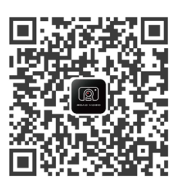
Press the power button quickly until the QR code appears.
Scan the code and download the Roadvideo app.
Press and hold the power button until the Wi-Fi symbol on the dashcam flashes.
On your phone, connect to the Wi-Fi network “CVR_NAVC-2K25” with password 12345678.
Open the app → Add Camera → Next.
This applies to the Laser 2K Dash Camera WiFi App Control Black.
Was this article helpful?
That’s Great!
Thank you for your feedback
Sorry! We couldn't be helpful
Thank you for your feedback
Feedback sent
We appreciate your effort and will try to fix the article